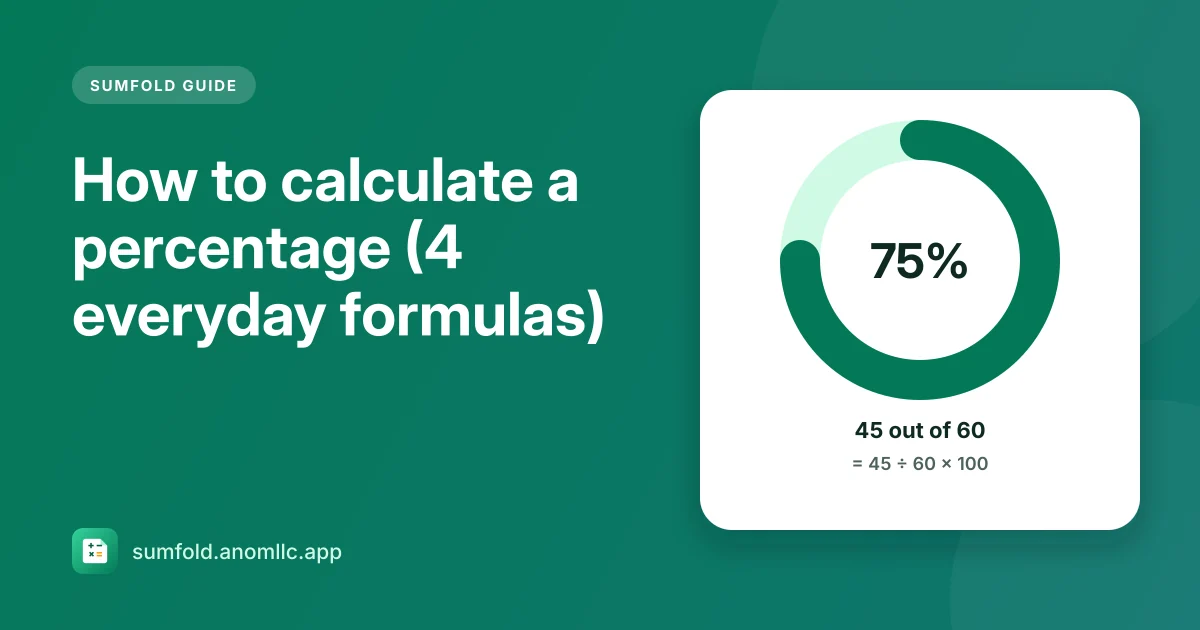
To calculate a percentage of a number, multiply the number by the percentage and divide by 100: 15% of 2,400 = 2,400 × 15 ÷ 100 = 360. To find what percent one number is of another, divide the part by the whole and multiply by 100: 45 out of 60 = 45 ÷ 60 × 100 = 75%. Those two formulas, plus percentage change and discounts, cover almost everything you'll meet day to day.
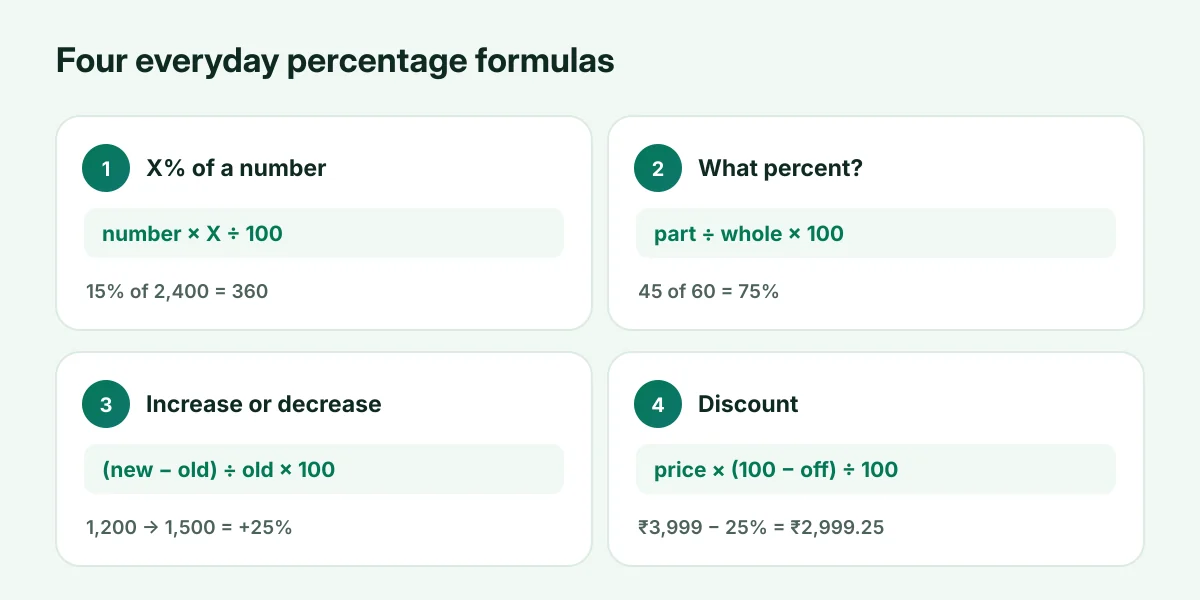
1. X% of a number
Formula: number × X ÷ 100
- 15% of 2,400 = 2,400 × 15 ÷ 100 = 360
- 8% of 650 = 650 × 0.08 = 52
A quick mental trick: 10% is the number with the decimal point moved one place left (10% of 2,400 is 240), so 15% is 10% plus half of it again (240 + 120 = 360).
2. What percent is one number of another?
Formula: part ÷ whole × 100
- 45 marks out of 60 = 45 ÷ 60 × 100 = 75%
- ₹300 saved out of ₹2,000 = 300 ÷ 2,000 × 100 = 15%
3. Percentage increase or decrease
Formula: (new − old) ÷ old × 100
- A price going from ₹1,200 to ₹1,500: (1,500 − 1,200) ÷ 1,200 × 100 = 25% increase
- A bill going from ₹50 to ₹40: (40 − 50) ÷ 50 × 100 = −20%, a 20% decrease
Always divide by the old value. That's why a 25% rise followed by a 25% fall doesn't bring you back where you started: ₹1,200 + 25% = ₹1,500, and ₹1,500 − 25% = ₹1,125.
4. Discounts
Price after discount: price × (100 − discount) ÷ 100
- ₹3,999 with 25% off: 3,999 × 75 ÷ 100 = ₹2,999.25, a saving of ₹999.75
Two discounts in a row don't add up: 20% off and then another 10% off is 28% off in total, not 30%.
On a calculator
Most calculators, including Sumfold's, handle percentages the "shop" way:
- 2400 × 15 % gives 360 (15% of 2,400).
- 3999 − 25 % gives 2,999.25 (the price after 25% off).
- 200 + 10 % gives 220 (200 plus 10% of it).
Or let Sumfold do it
Sumfold's Percent tab has all four calculations side by side: type two numbers in any of them and the answer appears as you type, including what you pay and save with a discount.